
Payments & Escrow
Worried about paying upfront for work you haven't seen yet? Here is exactly how Inscend keeps your money safe until content is delivered.
Posting a campaign is always free
You do not pay anything to write a brief and put it live. You can post as many campaigns as you like without spending a rupee.
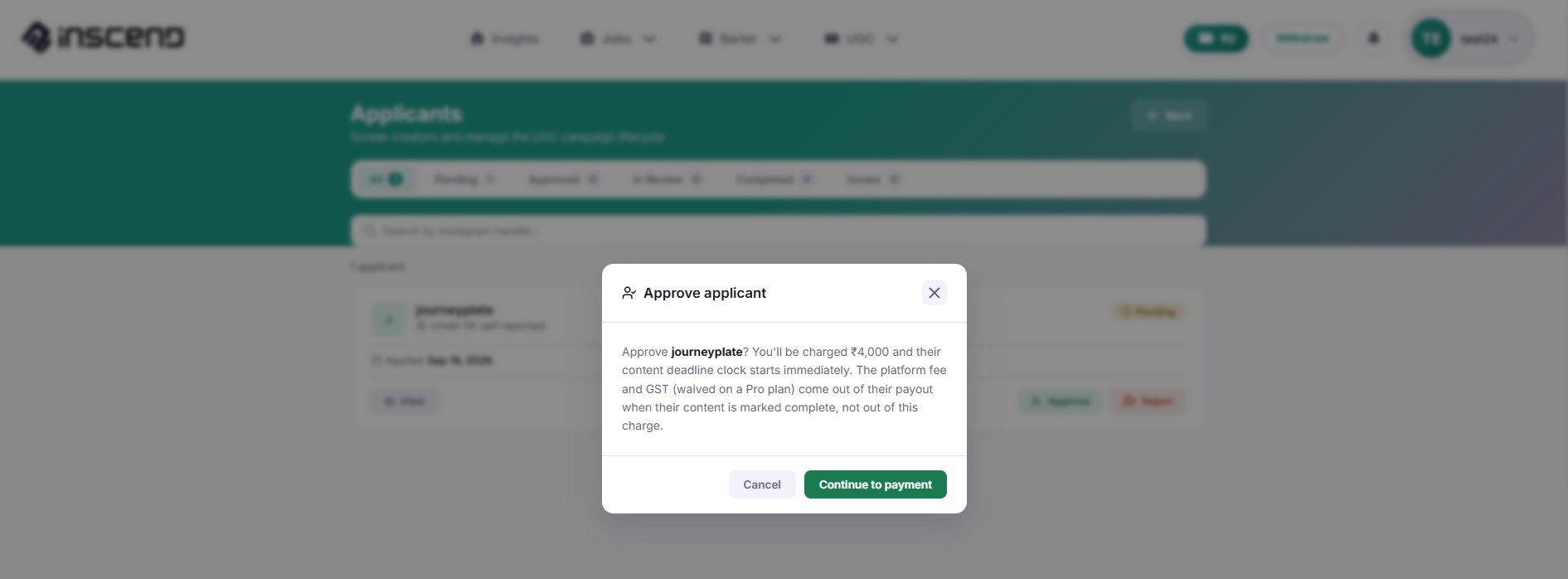
Your budget is reserved when you approve a creator
The moment you click "Approve" on a creator's application, your budget for that collab is set aside safely. This is the "escrow" step.
Payment is released after approval or by views
How the reserved money reaches the creator depends on your collab type:
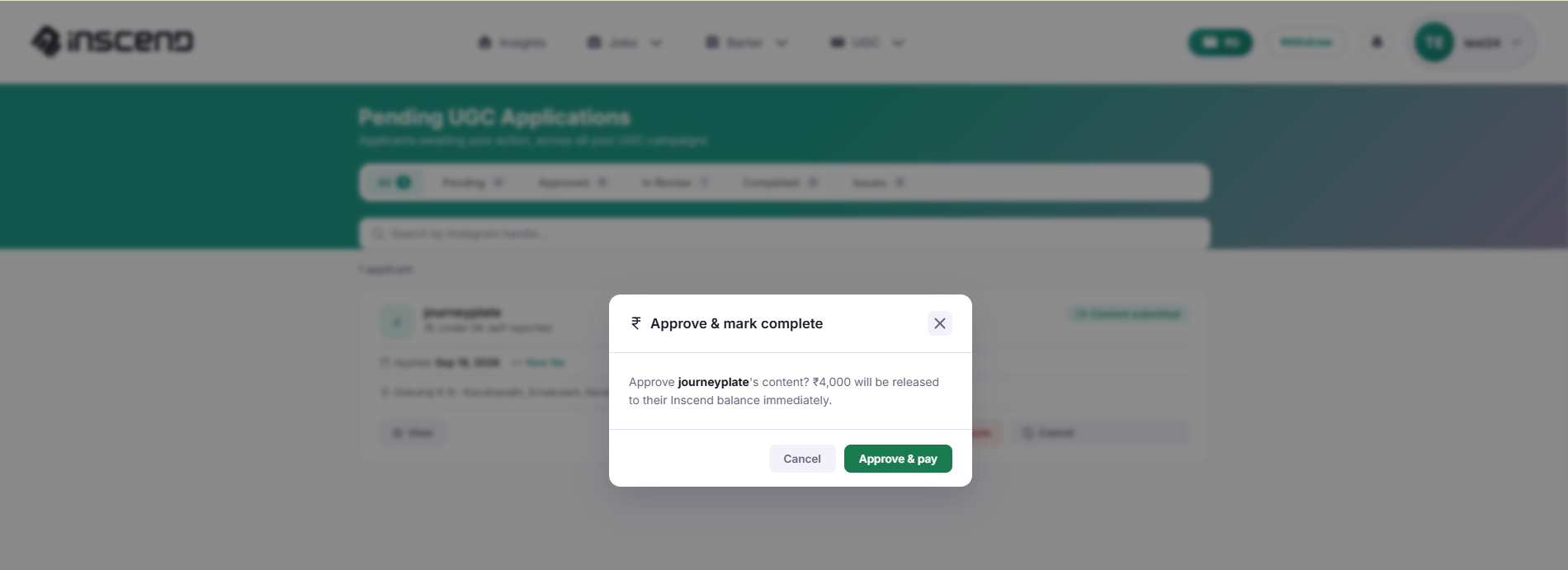
- Job: Payout can be tied to views. As the post earns more views, more of the reserved amount is paid out automatically.
- Barter: There is no cash payout — the product itself is the payment.
- UGC: The full amount is released once you approve the submitted video or photo.
If a creator cancels or doesn't deliver
If a creator withdraws their application, or does not deliver the content by the deadline, your reserved money is protected and goes back to you. You never lose money for content you never received.
Check your full payment history
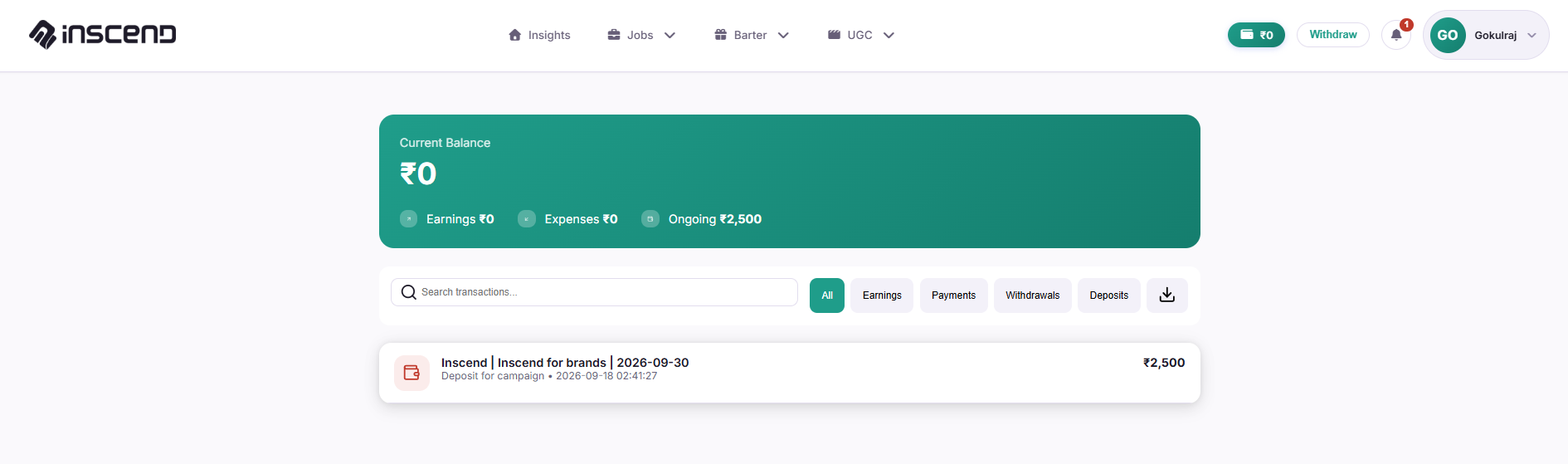
Go to Account → Payment → Transactions to see every payment, deposit, and payout you've made. Go to Account → Payment → Bank Details to manage how you fund your account.
Still stuck?
Our team is happy to help you directly. Reach out any time.