
Create Your First Campaign
Posting a brief is free. You only pay once you approve a creator. Here is exactly how to do it.
Pick your collab type
Decide between Job (pay money for a post on the creator's own page), Barter (give a free product instead), or UGC (pay for a video you use in your own ads).
Not sure which fits? Read Types of Collabs Explained first.

Open the "Post" form for that type
Click the menu that matches your choice (Jobs, Barter, or UGC), then click the "Post" button inside it.
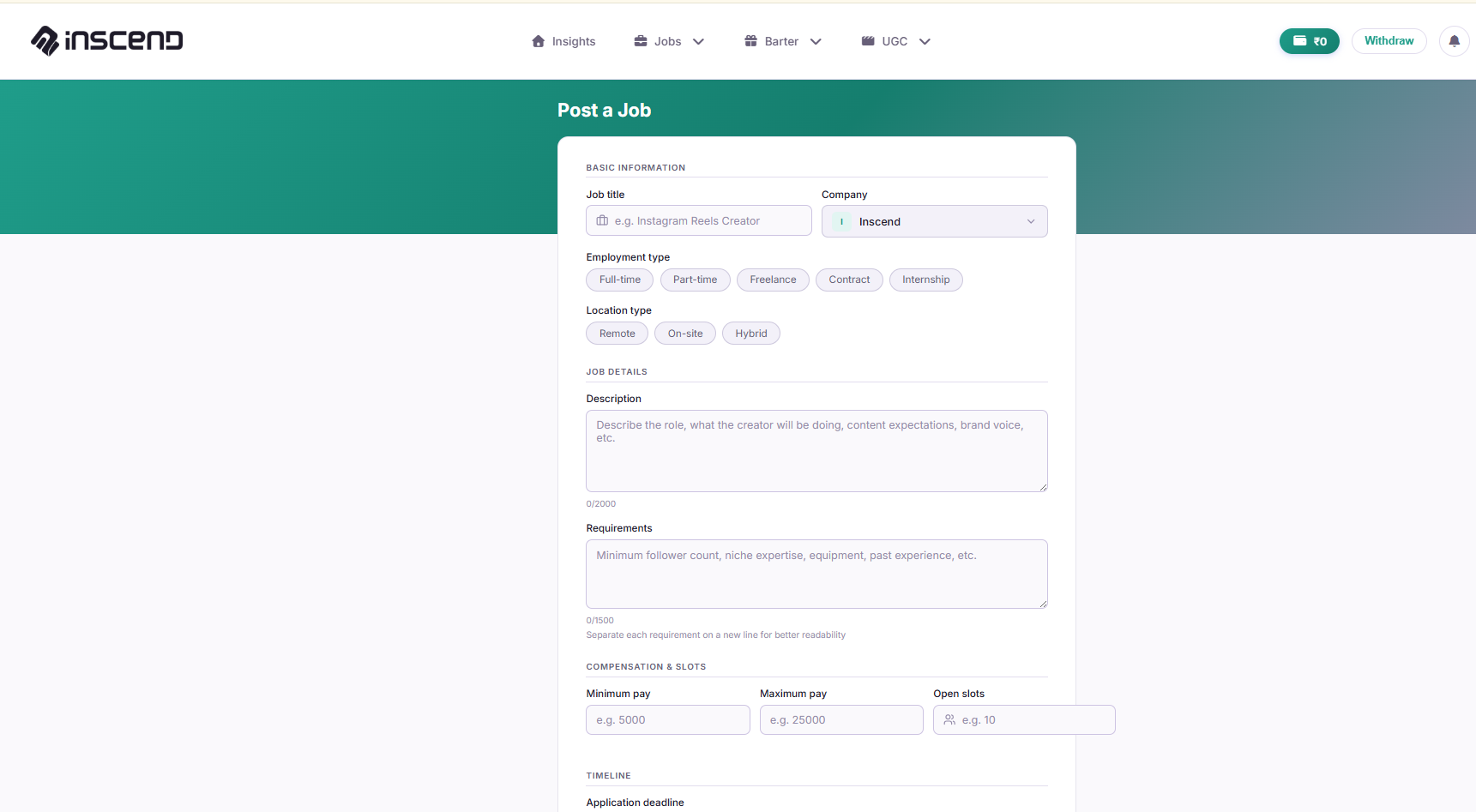
Write what you want creators to do
Be as clear as possible. Creators follow exactly what you write, so vague briefs get you the wrong content. Include:
- What the post/video should show (for example, "unbox the product and try it on camera")
- Anything creators must say or must not say
- The deadline for finishing the work
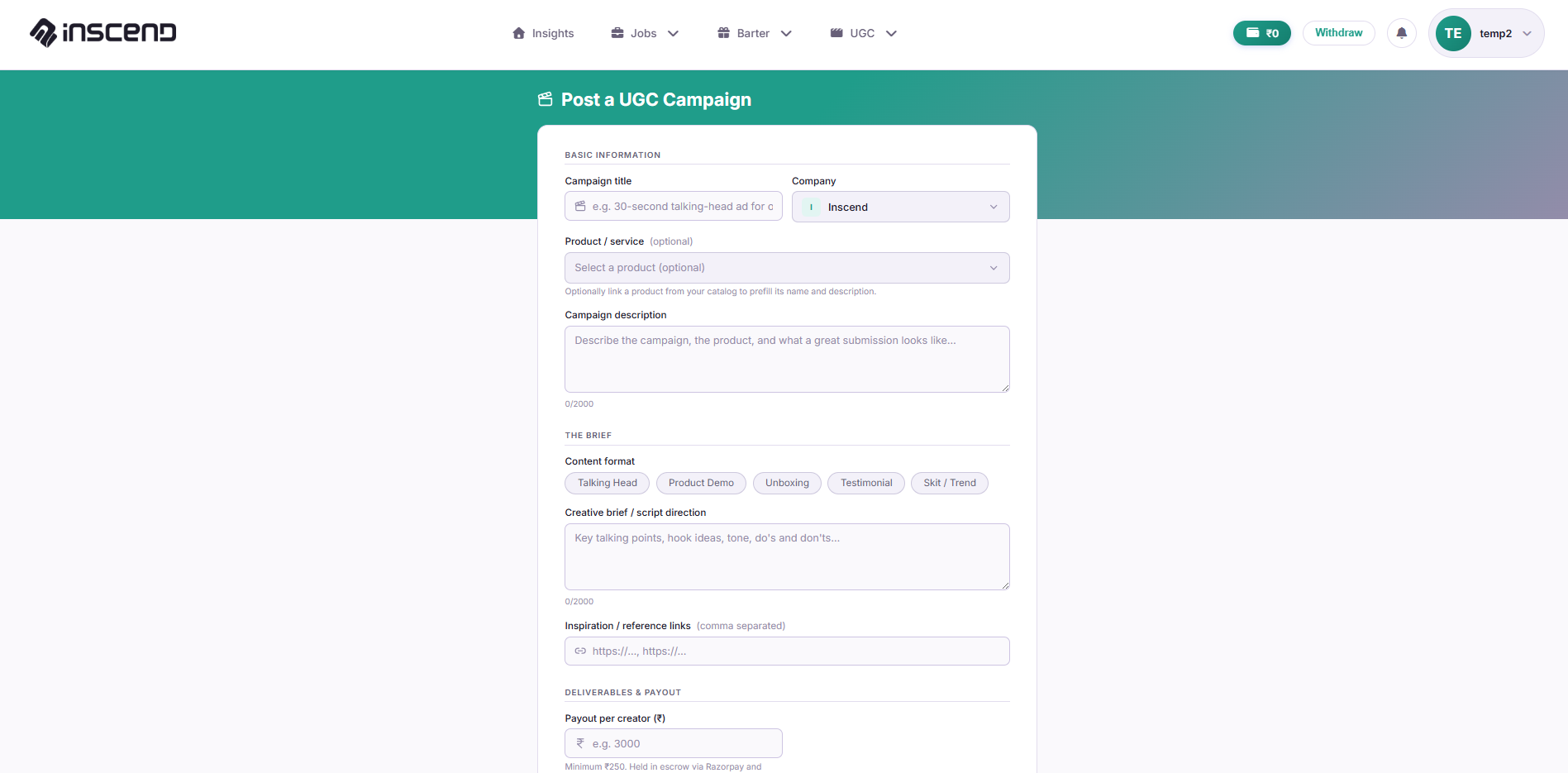
Set your budget (or product) and payout rule
For a Job, set the amount you'll pay and how it's tied to views. For a Barter, describe the product you're sending. For UGC, set the flat amount you'll pay for the video.
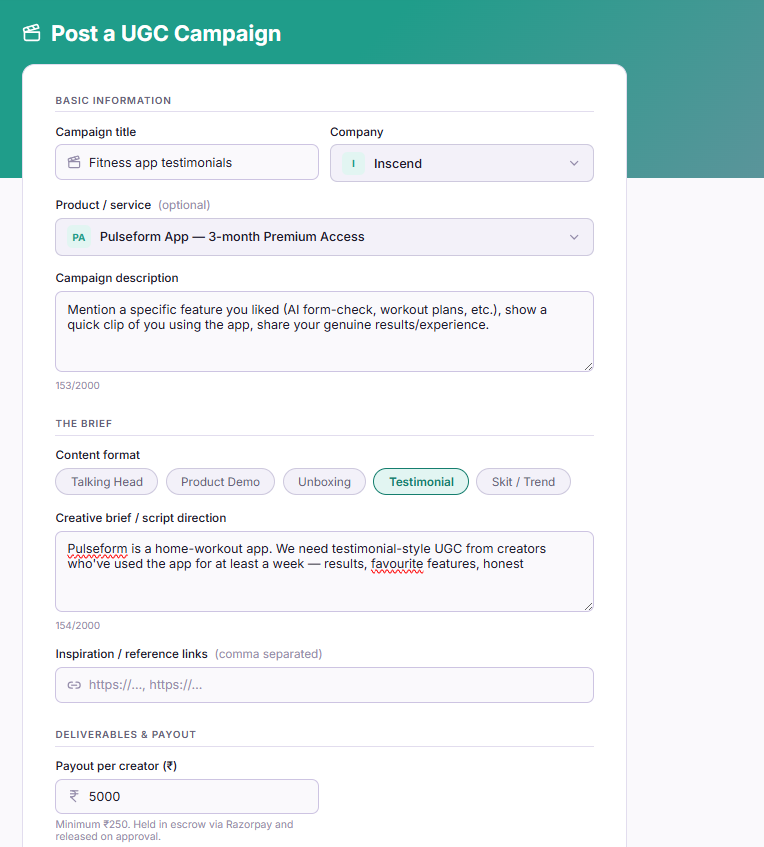
Click "Post" and wait for applicants
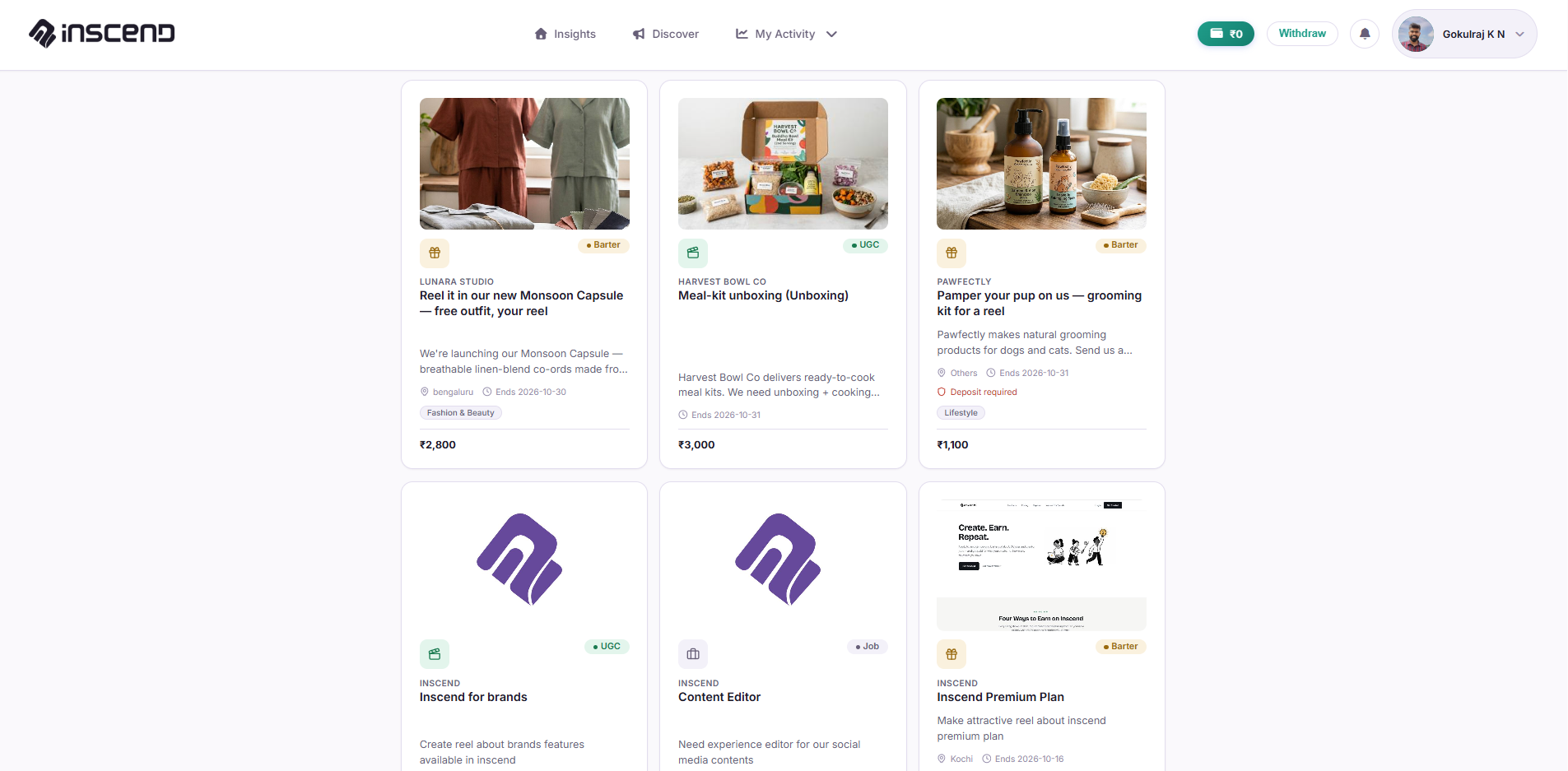
Once you click "Post", your campaign goes live on the Discover page that creators browse. You will start getting applications.
Next, learn how to review them: Review & Approve Creators.
Still stuck?
Our team is happy to help you directly. Reach out any time.