
Approve Creator Content
A creator submitted their post or video. Here is how to check it and approve it, so payment can be released.
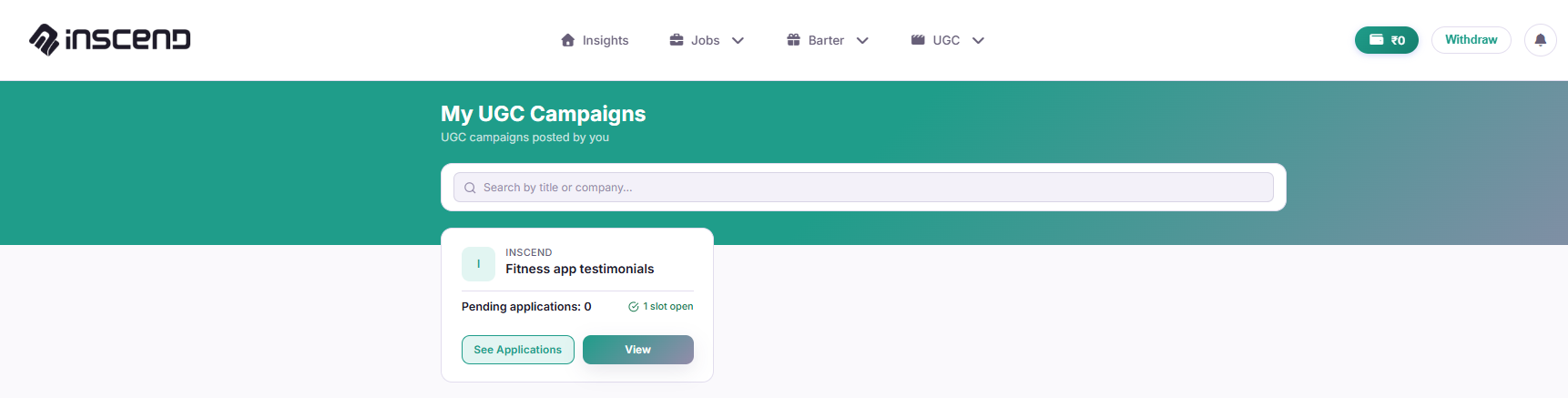
Open your campaign's applications
Go to My Campaigns, My Jobs, My Barter Collabs, or My UGC Campaigns — whichever matches your campaign. Click into the campaign, then find the creator who submitted content.
Open the submitted content
Click the submission to view it. For a Job or Barter, this is usually a link to their live Instagram post. For UGC, this is usually a video file.
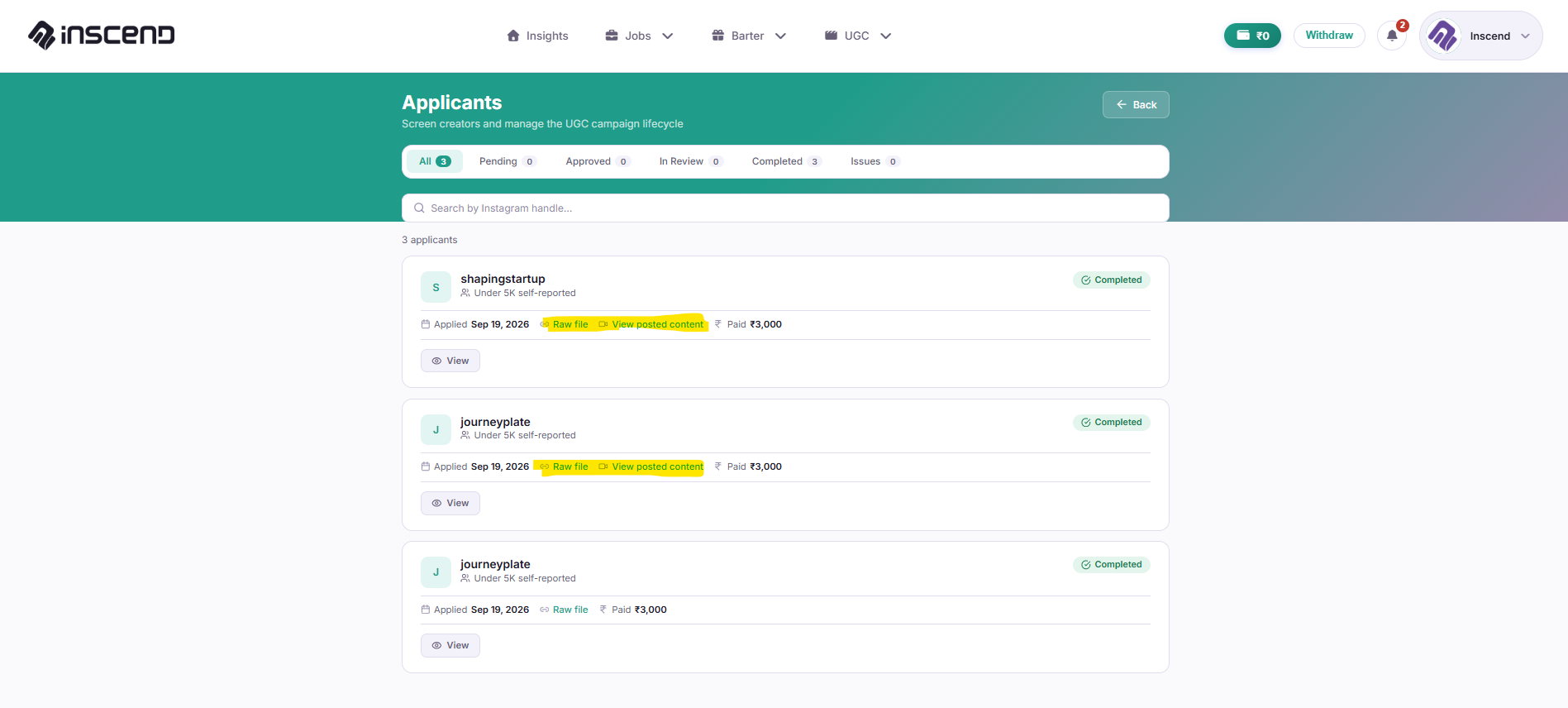
Check it matches your brief
Compare it against what you originally asked for:
- Did they show/say what your brief asked for?
- Is the product visible and clear?
- Was it posted before the deadline?
Click "Approve"
If everything looks good, click "Approve". This tells Inscend the work is done.
Still stuck?
Our team is happy to help you directly. Reach out any time.